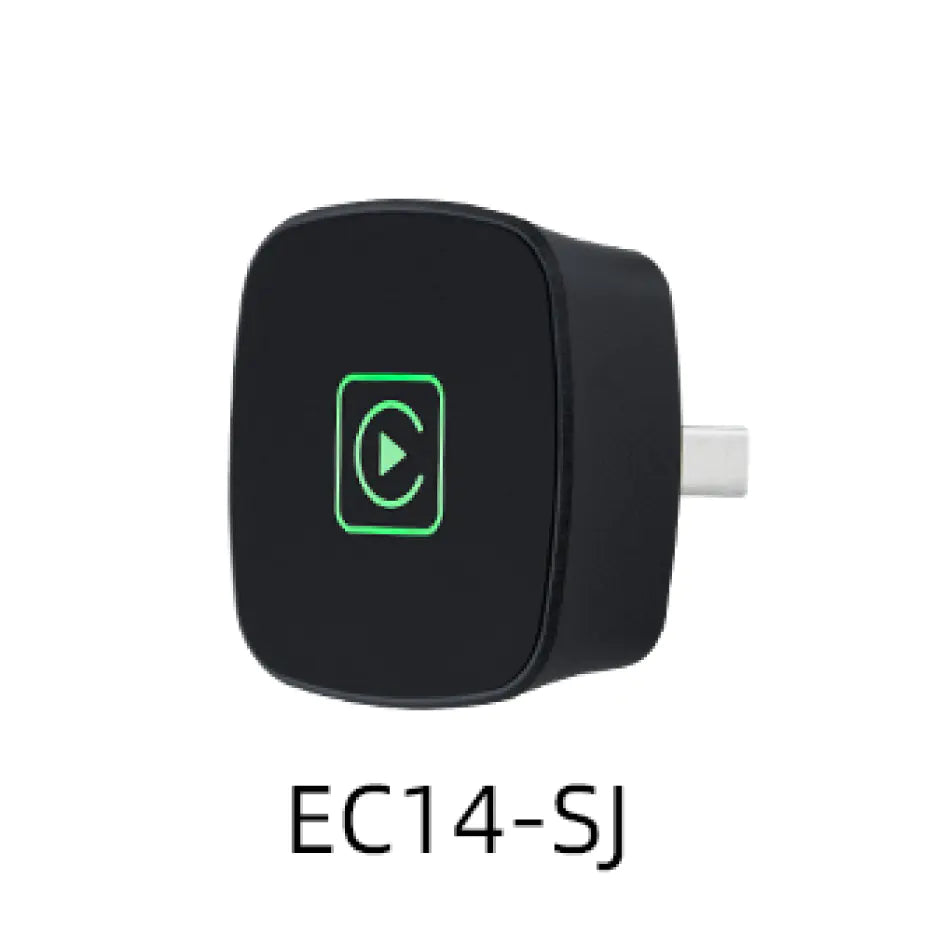
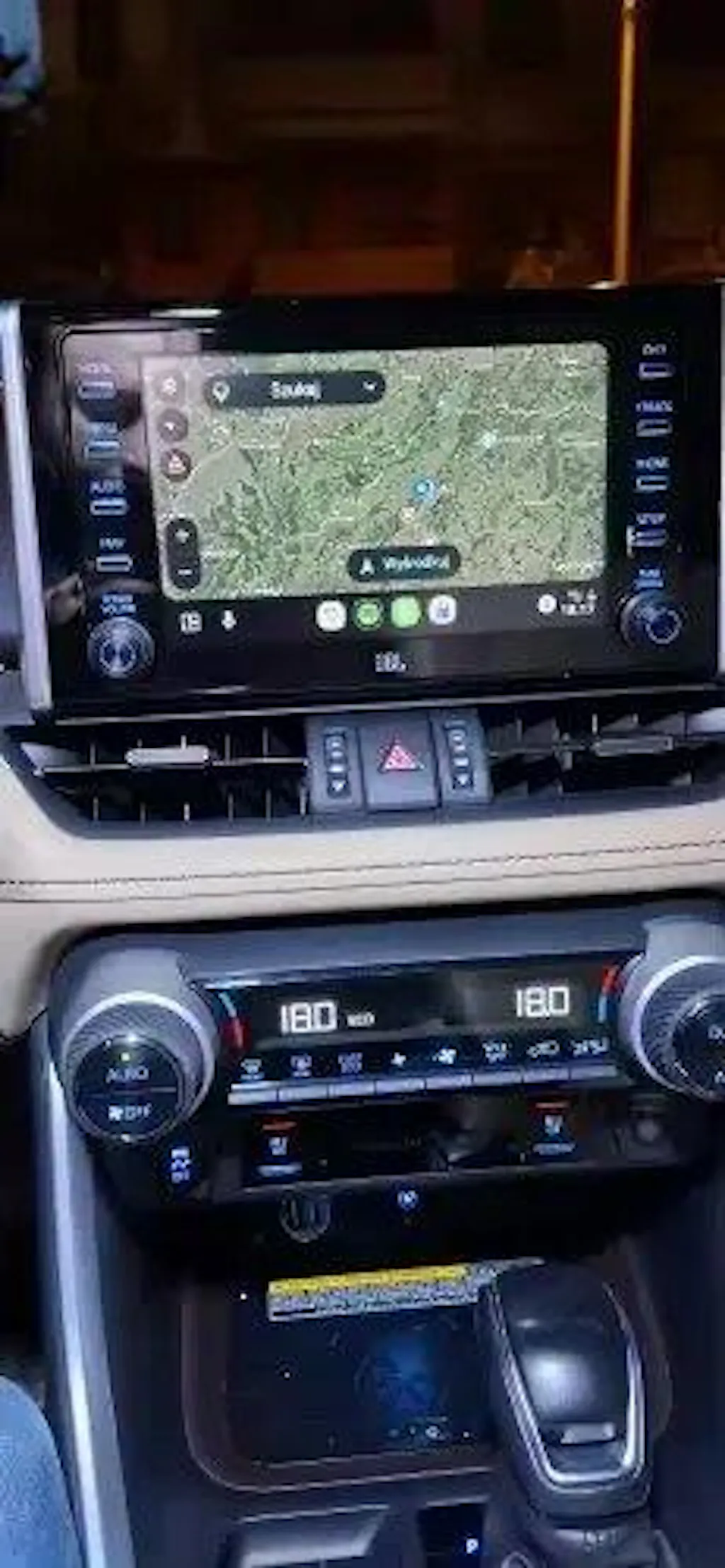
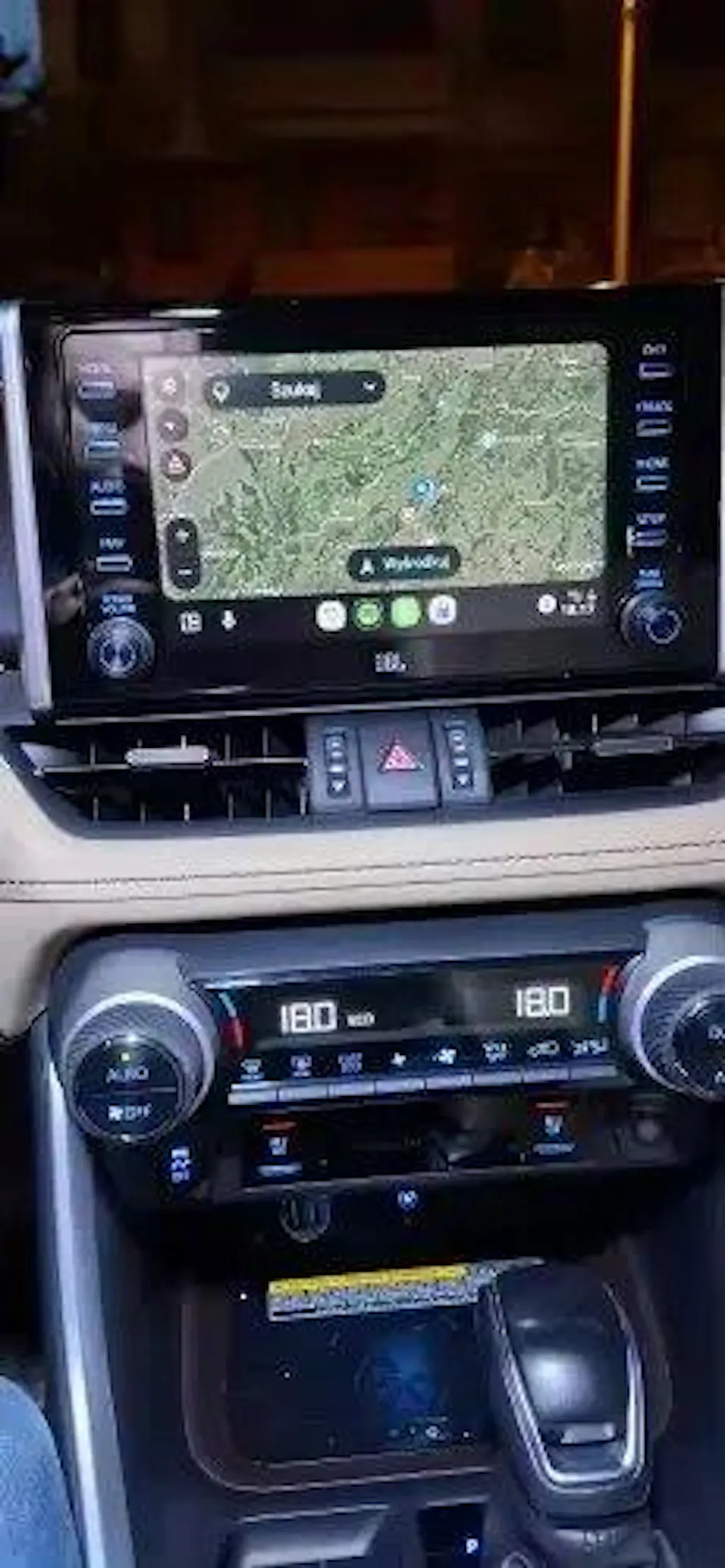
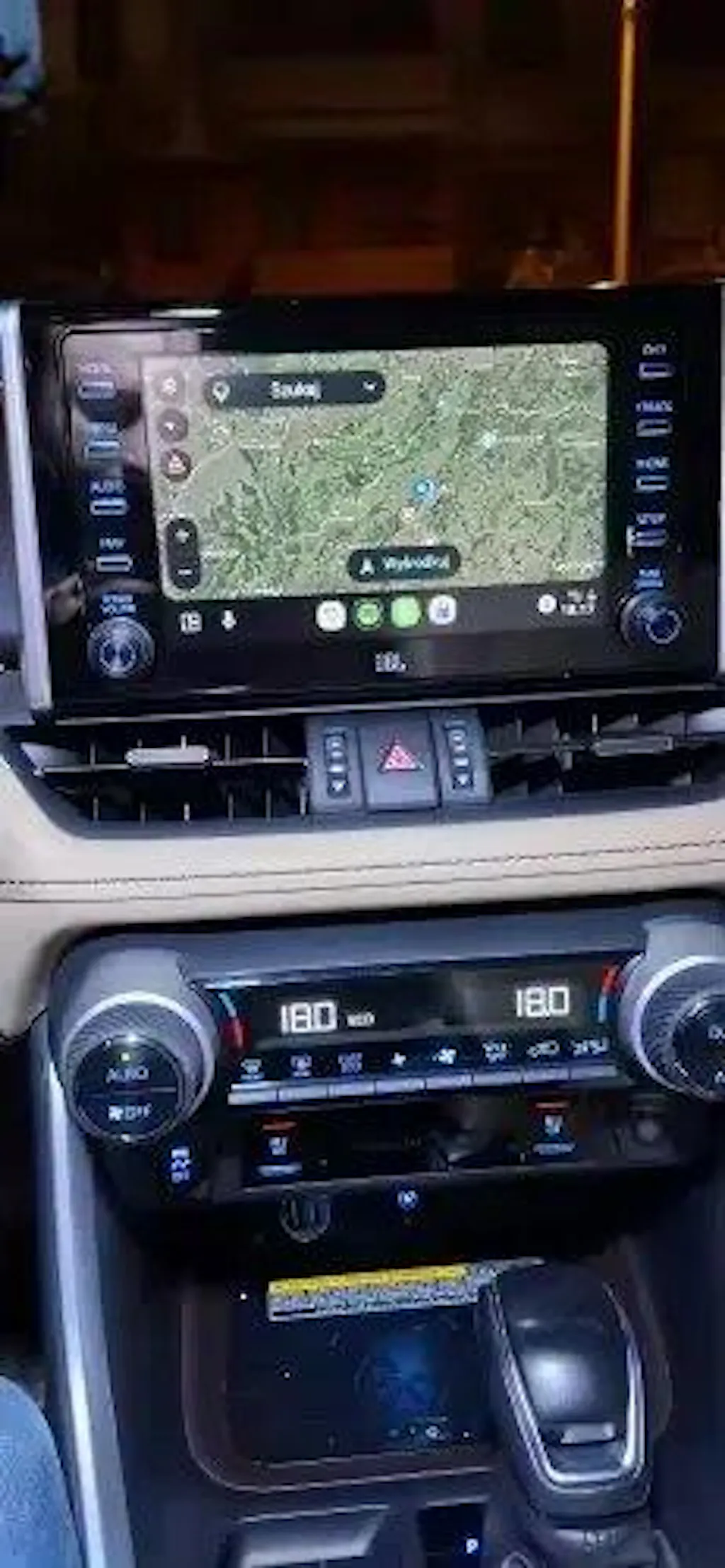
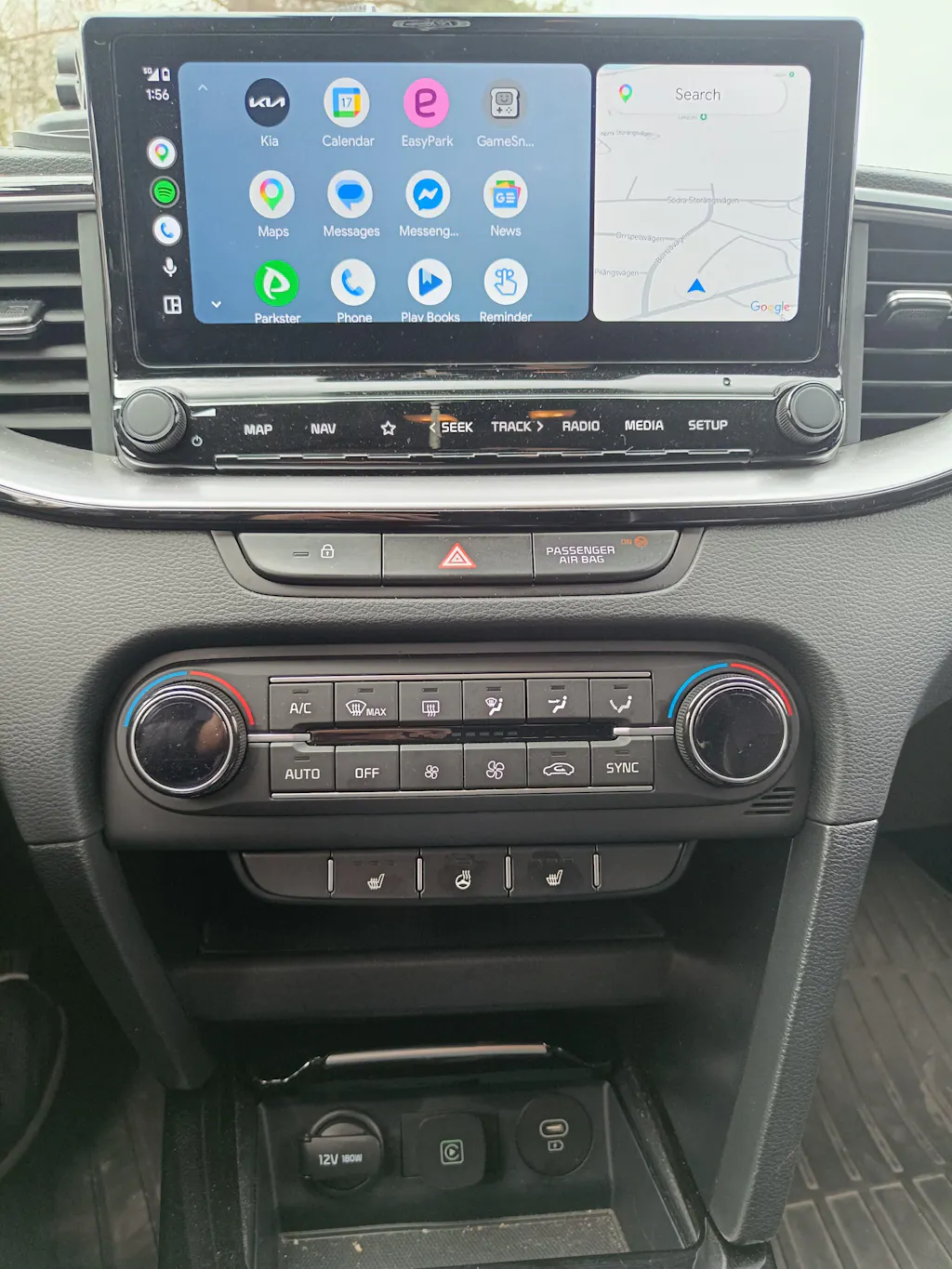
Wireless CarPlay
 Wired CarPlay
No More CarPlay Cables
Turn your wired CarPlay into a seamless wireless experience in seconds.
Why You’ll Love It:
🚗 Drive instantly — no setup
📲 Phone stays in your pocket
❌ No cable mess
⚡ Fast Auto-Connect
📶 Stable Connection






















DWAH
Convert wired CarPlay to wireless in seconds
Convert wired CarPlay to wireless in seconds
Betrott och betygsatt av svenska förare — se recensioner nedan👇
✅ Trådlös CarPlay + Android Auto
✅ Inga kablar
✅ Redo på sekunder
✨ Ny här? Få 10 % rabatt på din första beställning!
- 🎁 Få 10% RABATT! Använd koden: "SAVE10" i kassan — Endast under begränsad tid!
- Efterfrågad produkt 🔥 Fri frakt (5–12 arbetsdagar)
Please Note:
Please Note:
Krav för logistikleverantör:
Ange din fullständiga postadress, inklusive husnummer och alla nödvändiga uppgifter för att få snabb och korrekt leverans.
- ✔️ Betrott av fler än 100 förare i Sverige 🇸🇪🚗
- 💎 Köp 2, Spara 15% - Kvalitet och besparingar kombinerat
⏳ Begränsat lager – köp din nu
Det gick inte att ladda hämtningstillgänglighet
Sluta koppla in din telefon varje gång du kör:
✔ Konvertera trådad CarPlay till trådlös på några sekunder.
✔ Använd kartor, musik och samtal utan att koppla in din telefon.
 ✔ Auto-ansluter varje gång du startar din bil.
Trådlös CarPlay-installation (3 steg):
Steg 1: Anslut
Sätt in adaptern i bilens USB-port.
Steg 2: Para ihop
Slå på Bluetooth & Wi-Fi, anslut sedan till bilens enhet.
Steg 3: Framgångsrik anslutning
Auto-anslutning aktiverad. Använd CarPlay, Android Auto och AirPlay direkt.
✔ Inga kablar. Inga problem
✔ Auto-ansluter direkt
✔ Ren och minimal bilinstallation
✔ Fungerar med din befintliga CarPlay
✔ Fri frakt (Sverige)
✔ 30-dagars garanti
✔ Säkert kassa
Beställ nu!
PERFEKT FÖR:
✔ Dagliga pendlare
✔ Uber / taxiförare
✔ Personer som är trötta på att koppla in kablar
✔ Alla som vill ha en ren bilinstallation
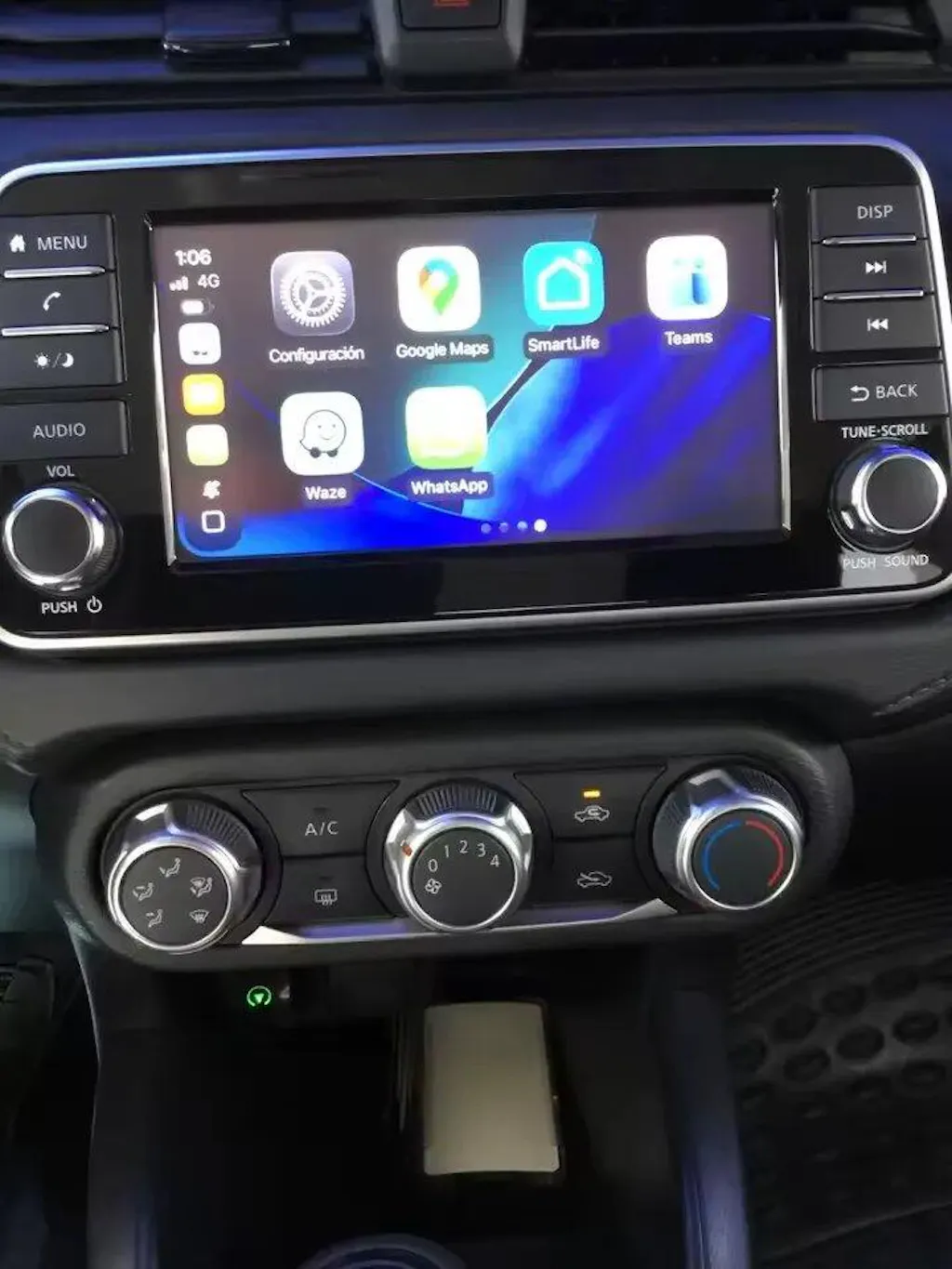
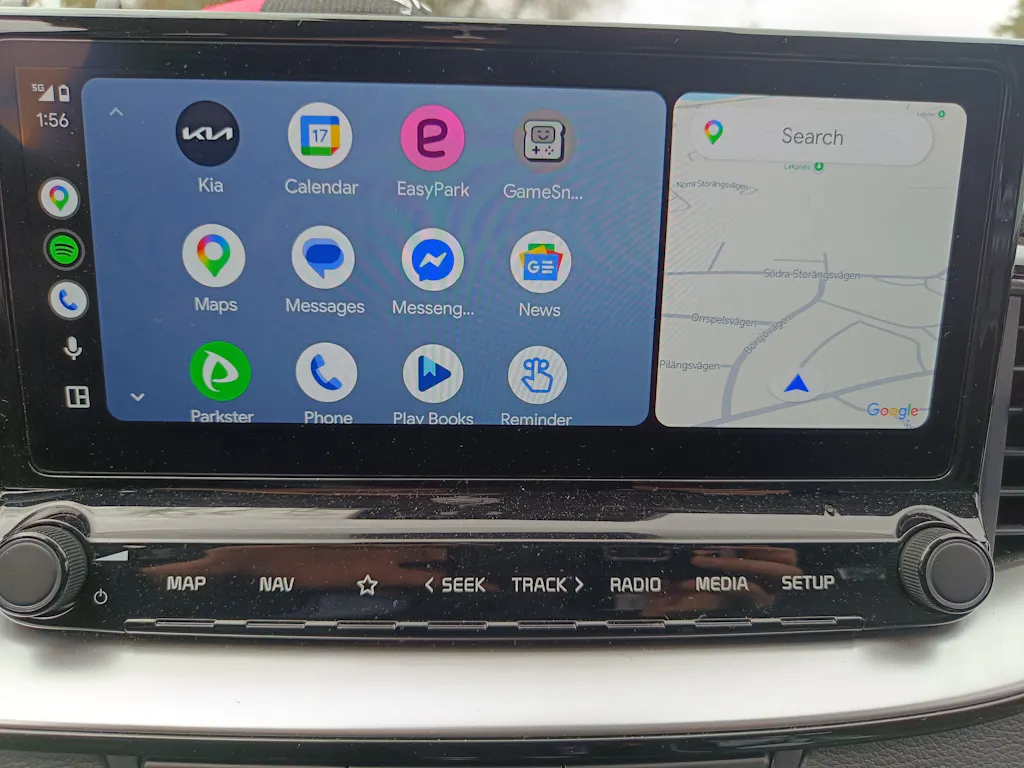
Före & Efter vy:

Det kapacitiva beröringsstödet säkerställer smidig interaktion med bilens pekskärm.

Kompatibilitetskontroll:
✔ Denna adapter fungerar med 98% av bilar (Volvo, BMW, Audi, Toyota, Volkswagen, Ford etc.), om din bil redan har trådad Apple/Android CarPlay.
✘ Fungerar INTE om din bil inte har CarPlay..

👉 Osäker? Kontrollera dina bilinställningar eller manual innan du beställer.
Huvudfunktioner:
- Konverterar trådad CarPlay till trådlös anslutning
- USB plug-and-play installation
- Kapacitiv beröringsstöd för smidig kontroll
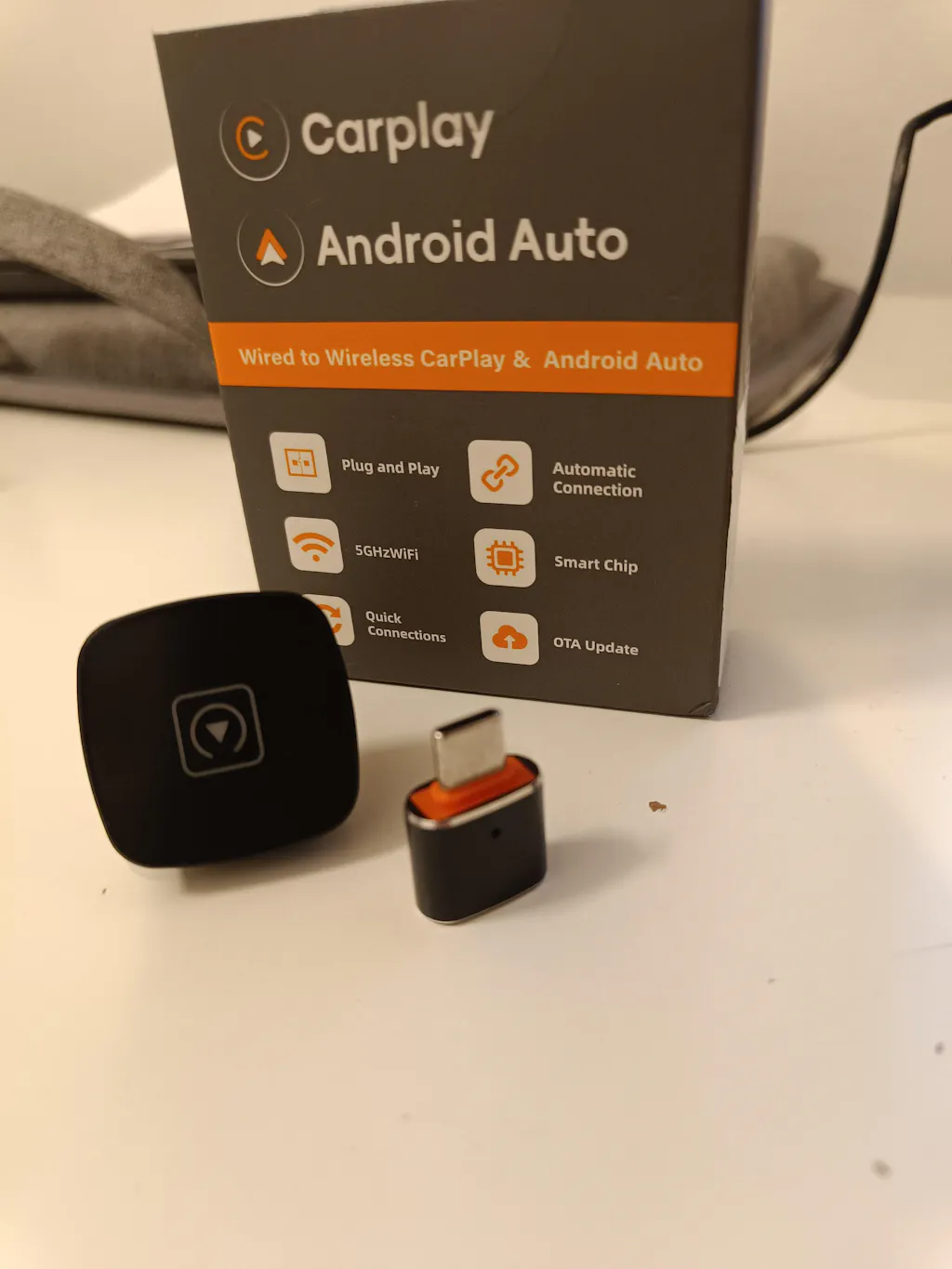
- Kompakt mini-design för diskret placering
- Hållbar konstruktion av aluminiumlegering och akryl
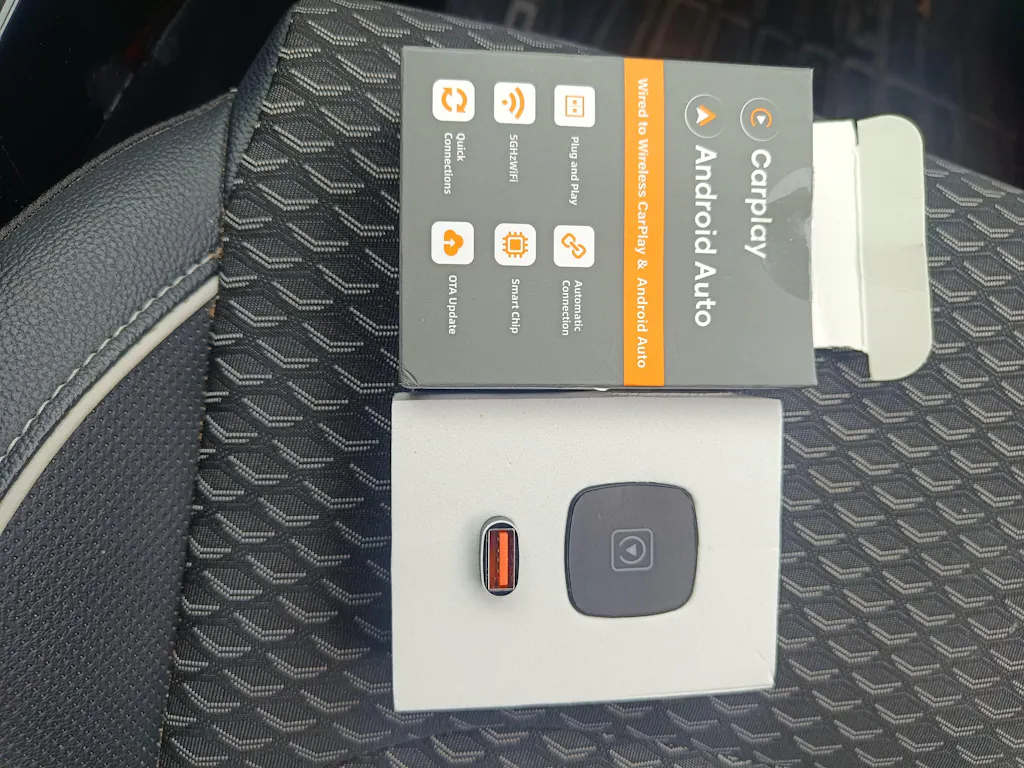
Paketet innehåller:
- 1 x Trådlös växellåda (Mini CarPlay-adapter)
Specifikationer:
- Produkttyp: Trådlös CarPlay-adapter
- Gränssnitt: USB
- Material: Aluminiumlegering + akryl
- Färg: Svart
- Kontrollstöd: Kapacitiv beröring
- Kompatibilitet: Fordon med fabriksinstallerad CarPlay
- Anslutningstyp: Trådlös konvertering via växellåda
- Installation: Plug and play
Därför kommer du att älska dem:
✔ Börja köra direkt utan installation
✔ Håll din telefon i fickan
✔ Inga fler kablar i din bil
✔ Perfekt för daglig pendling
FAQ's
FAQ's
Shipping Information
Shipping Information
Processing + Tracking code issued: (1–3 business days)
Delivery (Sweden): 5–12 days
Tracking emailed once shipped need help? support@dwah.se
Return & Refund Policy
Return & Refund Policy
Love your purchase or return it within 30 days.
Contact: support@dwah.se with your order number and reason.
Items must be unused and in original packaging. Refunds are issued to the original payment method once approved.